Built for the New Selling Economy. AnyTeam carries the operational and cognitive load of selling — the research, prep, follow-up, and constant context-switching — holds memory and gets smarter by the day, and gets you back to selling, the part that's uniquely human.
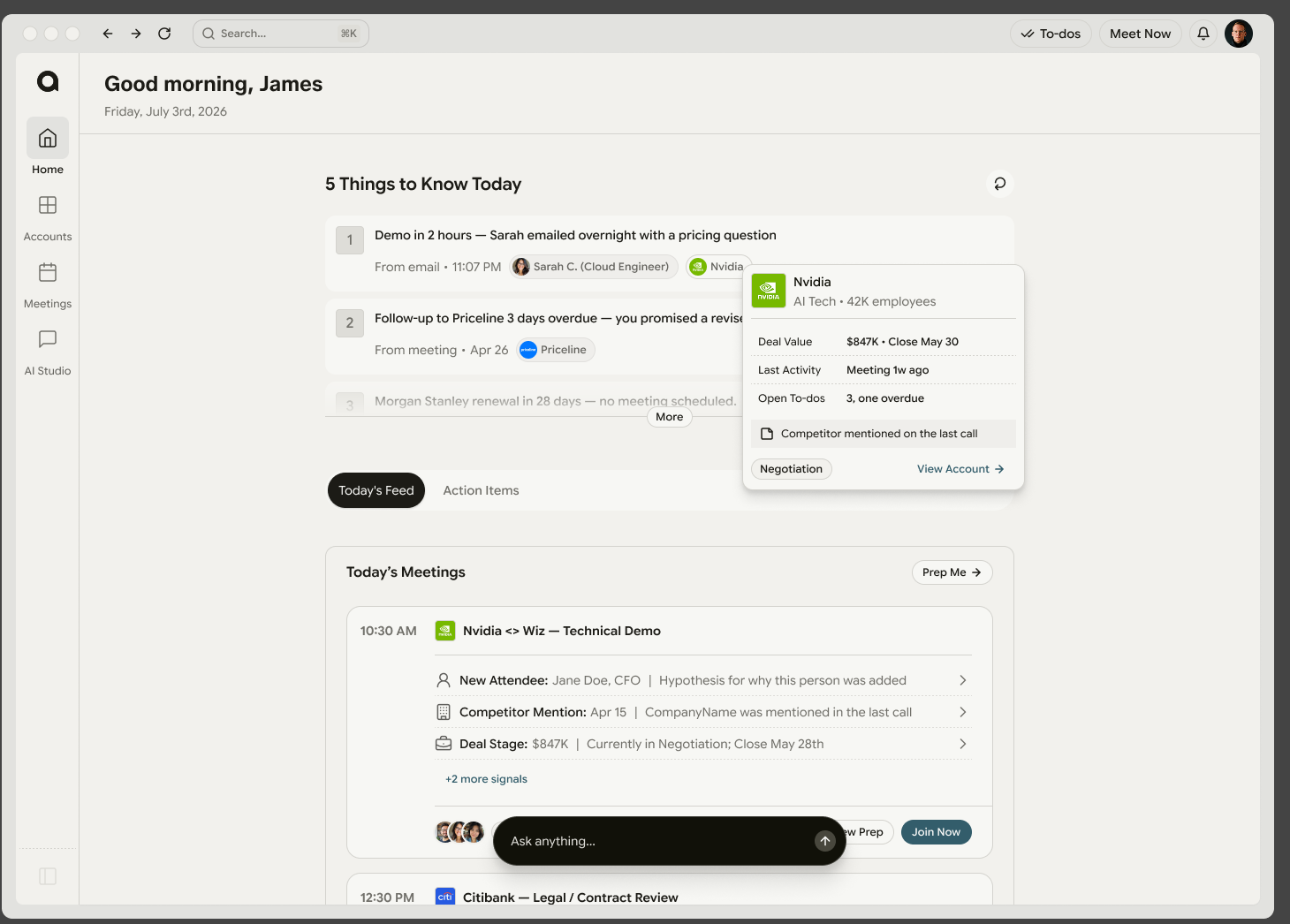
Knows what you need to do every day of the week and continuously prioritizes the "must-do" things — from your calendar, email, Slack, CRM, meetings, and more.
Provides live answers and real-time guidance — with contextual memory from previous conversations — while your meetings are happening.
Remembers your to-dos, your writing style and follow-up cadence, your competition and deals — and runs agents continuously while you sleep.
From install to your first call — a few minutes, once. Nothing's locked in; you can change any of it later in Settings.
Grab the AnyTeam app and drag it into your Applications folder (or Windows equivalent), then open it.
Sign in with your work email. Everything stays scoped to your workspace.
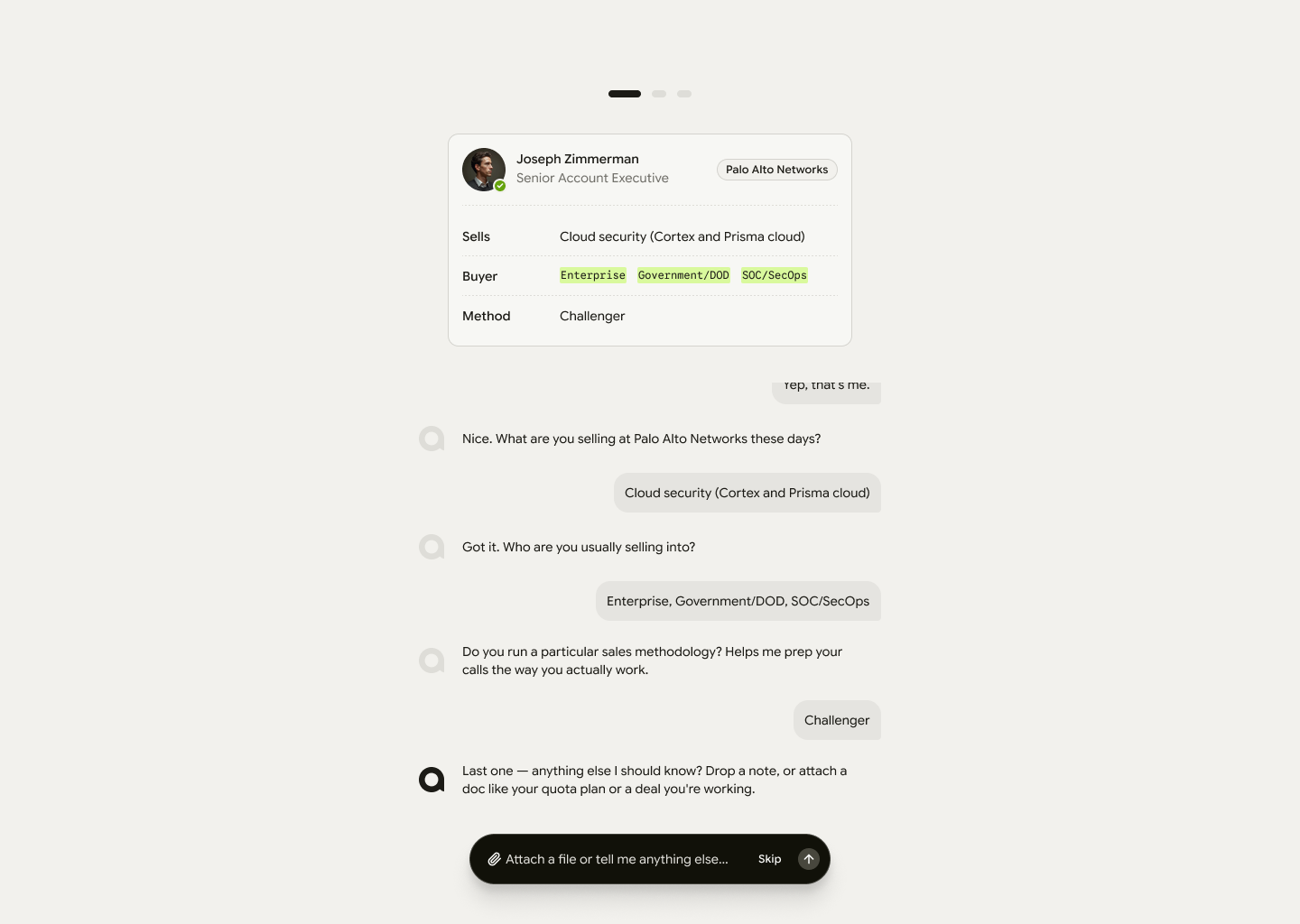
Tell AnyTeam who you are, what you sell, and who you sell to — your role, product, market, and how you run a deal. You can always change this later.
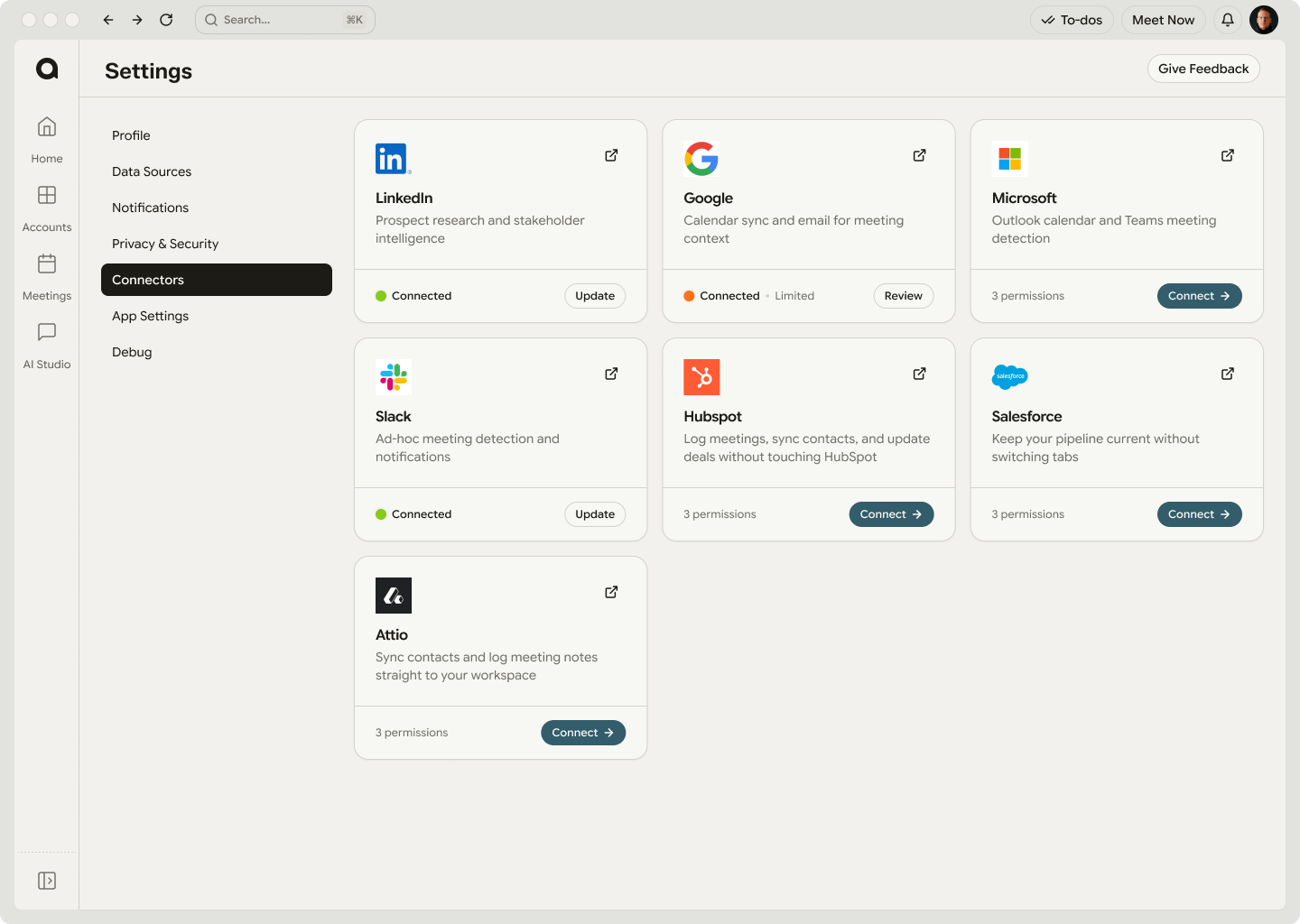
The more you connect, the more AnyTeam knows — and the more it can do for you. You pick what to share.
AttioApprove at the workspace level
In tightly managed organizations, an admin may need to approve AnyTeam or grant consent before some tools finish connecting.
AnyTeam builds your workspace from what you connected — your real meetings, accounts, and signals. You land on a live Home with no empty states. Start exploring.
To bring AnyTeam into your meetings, you'll grant a few system permissions when prompted — this is what lets Pilot join the call.
Edit your details later in Settings — your Profile and Connectors. Add tools, upload docs, tweak how you sell.
The fastest way to see it work — turn on Pilot for live transcription and real-time guidance while you're on the call.
Nothing outbound ever sends without your approval — no email, CRM write, or Slack post goes out until you say so. Not ready to connect tools yet? Explore in Demo Mode and link them later.
Bring AnyTeam into a call and it transcribes live and surfaces help the moment it's useful — answers, objection recovery, competitor intel, and more — right beside Zoom or Google Meet. And it compounds: the more meetings you run with Pilot, the more it learns your deals, competitors, and style — and the sharper its guidance gets.
The Pilot Bar floats above Zoom or Meet — drag it anywhere. Tap a tab to open its panel as a separate movable window. Pause captures a break in the recording; Stop ends the call and kicks off the summary.
Ask about anyone or anything on the call — attendees, the deal, competitors. Grounded in the transcript so far, your CRM, and your inbox.
Live captions with speaker labels and elapsed timestamps. Auto-scrolls until you scroll up. Search highlights matches. Every guidance card cites the exact line it fired from.
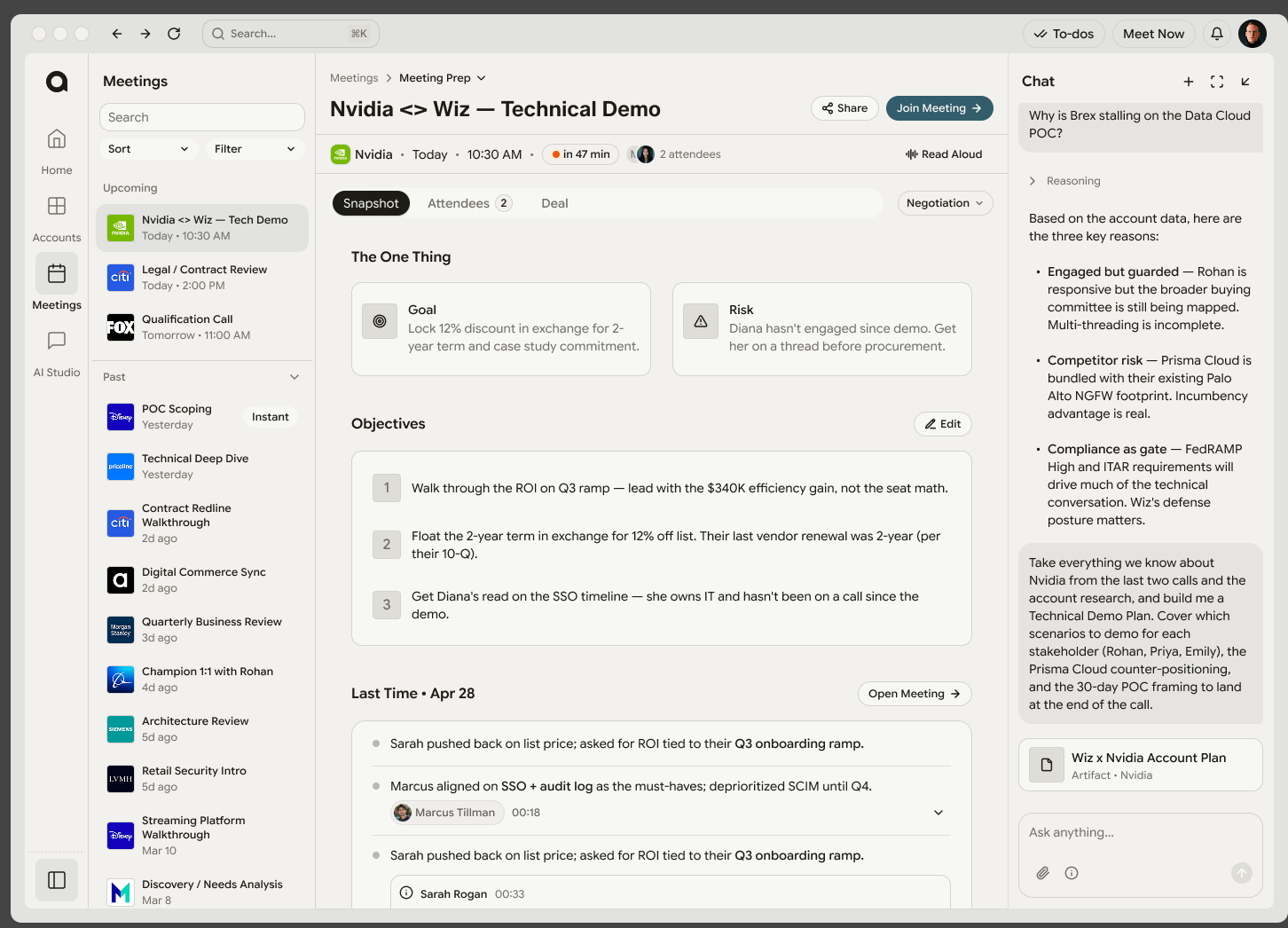
The attendee-and-account glance: who's on the call and their roles, last-meeting recap, and any updates since your Meeting Prep was generated.
Your private scratchpad — free-form, markdown, indented lists, resizable. Notes stay yours; they never appear in shared summaries.
The Guidance panel watches the transcript and surfaces context the second it's useful — no prompt required. Cards appear when someone asks a hard question, drops a competitor's name, raises an objection, or you drift off track.
Every card is pull, never push — nothing steals focus, nothing auto-speaks. Dismiss what you don't need, unknown topics get flagged rather than made up, and objectives tick off as you cover them.
Tiered alerts as you approach the wrap.
Pulled from your context — auto-tracked, ticking off in real time.
Grounded talking points the second a hard question lands.
Differentiation the moment a rival's name comes up.
Phase-aware nudges to move the deal forward.
Recovery lines when an objection or confusion hits.
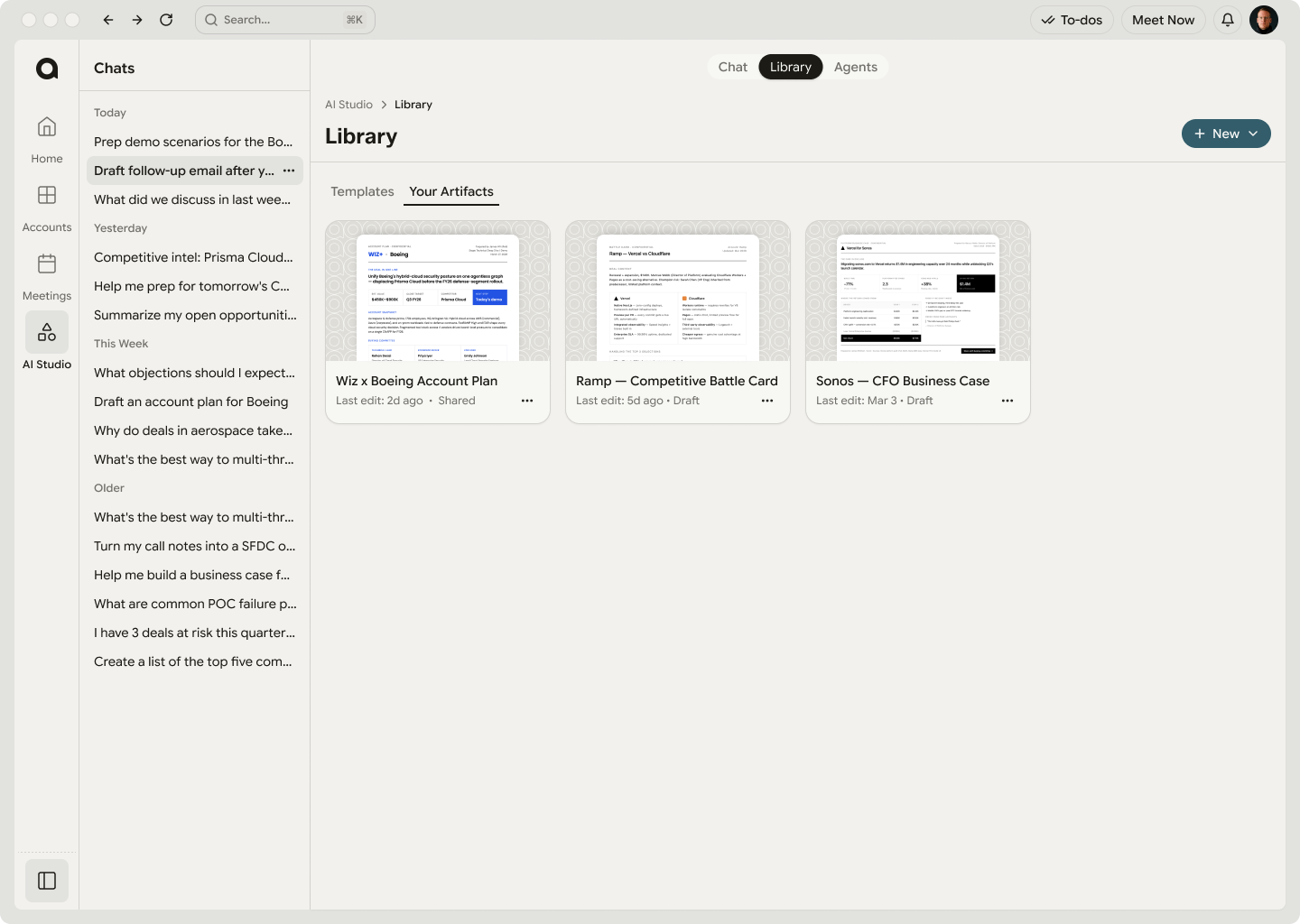
AI Studio is your workspace to ask, automate, and reuse — and everything you make (artifacts, agents, templates) is created right in Chat. Browse what you've built in the Library, and keep an eye on what's running under Agents.
Where everything is created. Ask anything, then turn any answer into an artifact or spin up an agent — right in the conversation.
Explore your collateral. Everything you make in Chat auto-saves here — browse and share your artifacts, and build reusable templates.
Track your agent activity. Recurring jobs that run on a schedule or trigger — and every one waits for your approval before it sends.
Agents are automations you set up in plain language. Tell one what to watch and when, and it runs on its own — every send still waits for your approval.
A few to get you started — spanning agents, artifacts, and everyday chat. Copy one into Chat, or save it as an agent so it just runs. The full set lives under / in any chat box.
Generates a client-ready deck or QBR from your account data — deal status, wins, open items, and next quarter's plan. Assign it to the account, edit inline or by chat, then share a link, download it, or push it to your CRM.
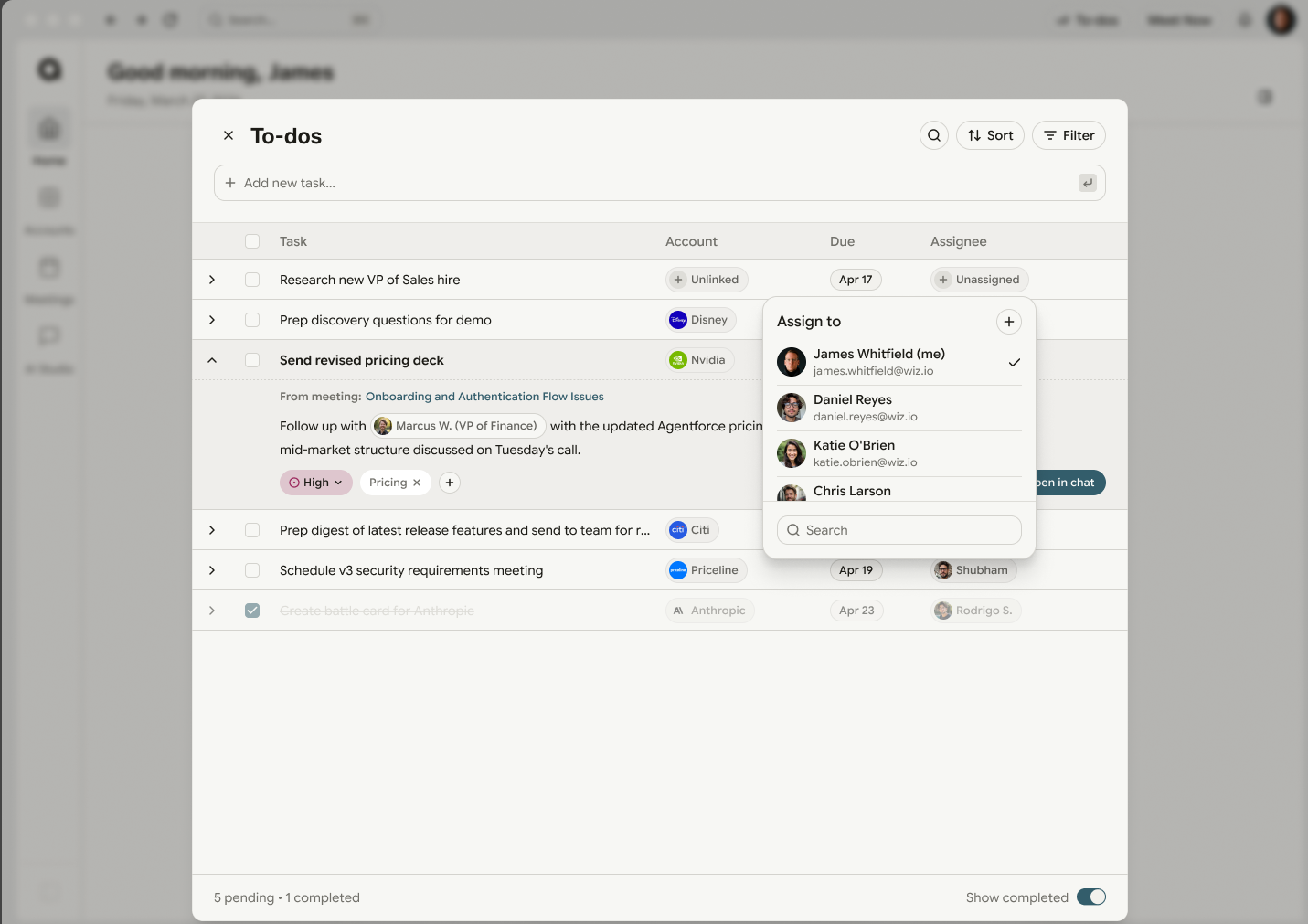
To-dos is your task manager. Every follow-up, action item, and reminder — across every account — collected into a single overlay you can pull up from anywhere in AnyTeam. It fills itself in as work surfaces, so nothing slips between the cracks.

Open your to-dos from any screen. Tasks from every account, meeting, and follow-up live in one place — never scattered across tabs.
AnyTeam adds to-dos as they come up — in calls, emails, and CRM changes — so the list always reflects what actually needs doing.
Check off, snooze, or reprioritize. Anything that sends — an email, a CRM update — still waits for your approval.
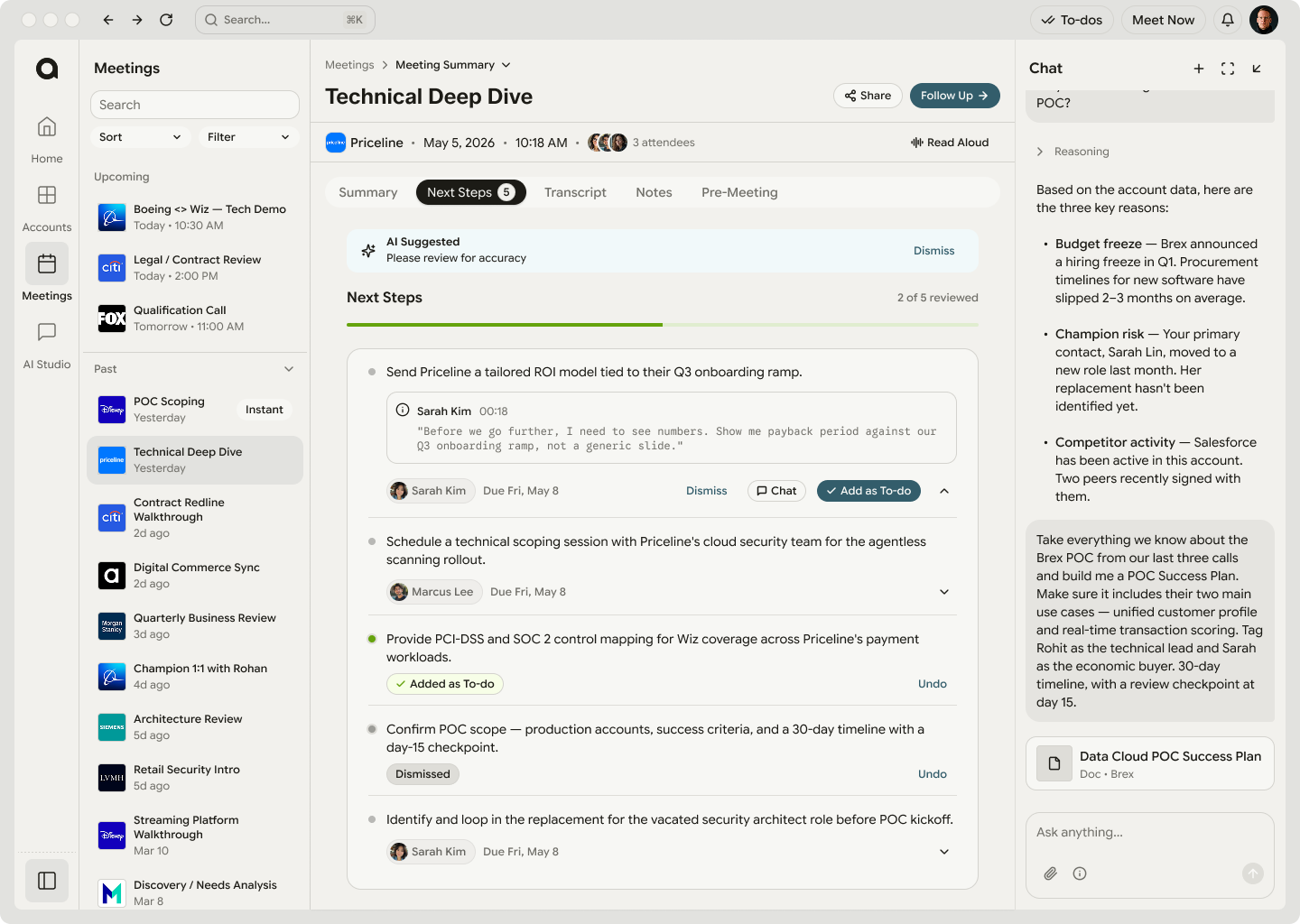
After every call, your Meeting Summary pulls out the next steps, commitments, and to-dos that came out of it. Add any of them to your tracker in one tap — so nothing said in a meeting ever falls through.

Want a task to run itself on a schedule? That's an agent, and it lives in AI Studio → Agents. To-dos tracks the work; agents automate it.
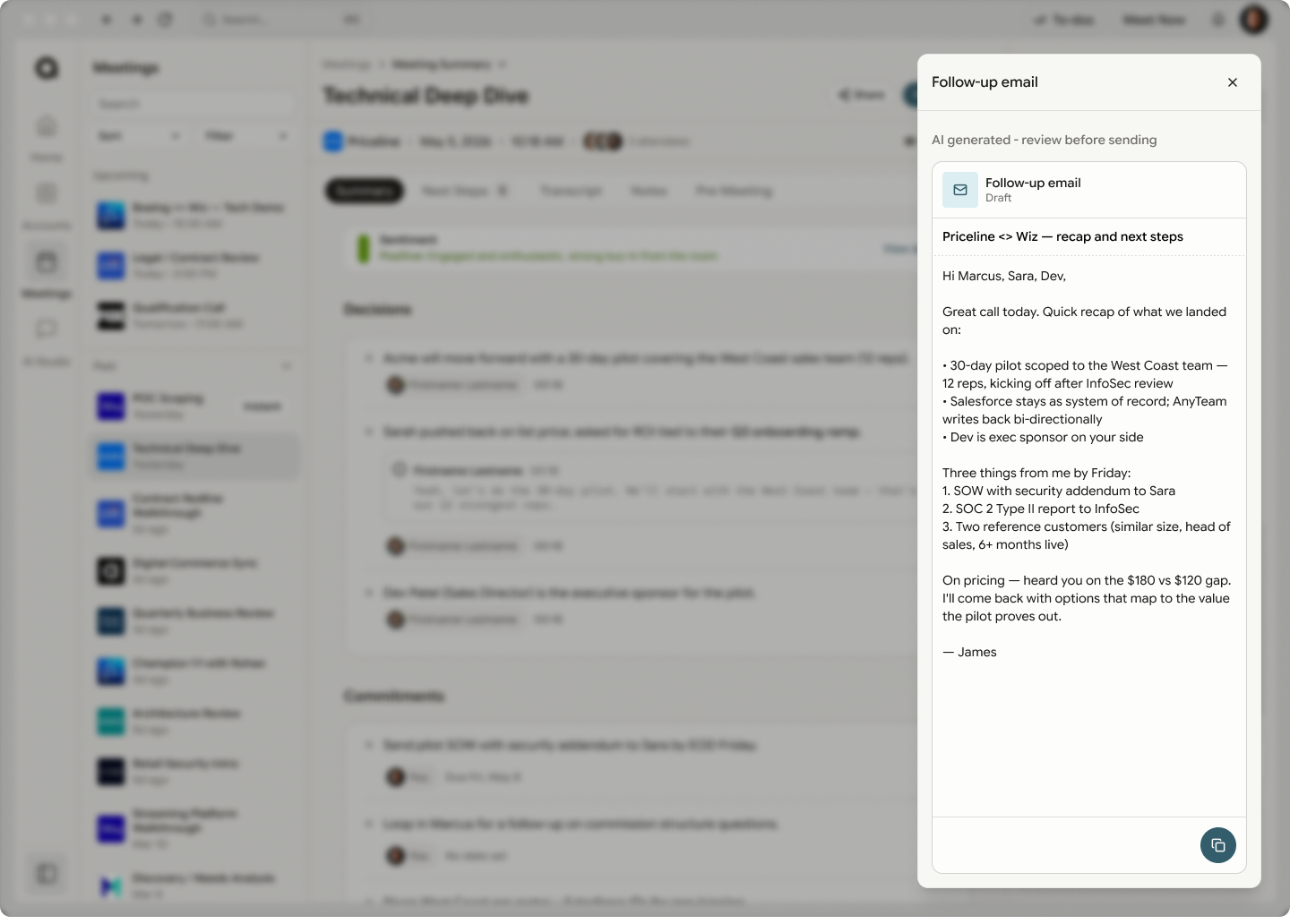
The moment you hang up, AnyTeam gets to work. The recap, the follow-up email in your voice, the CRM updates, and the next-step to-dos are all drafted and waiting. You review and approve — the busywork is already done.

AnyTeam drafts the recap email in your voice — grounded in what was actually said, with the decisions, commitments, and next steps laid out. Review, tweak if you like, and send.
Every page, the features inside it, and what quietly powers it all.
Main pages & features
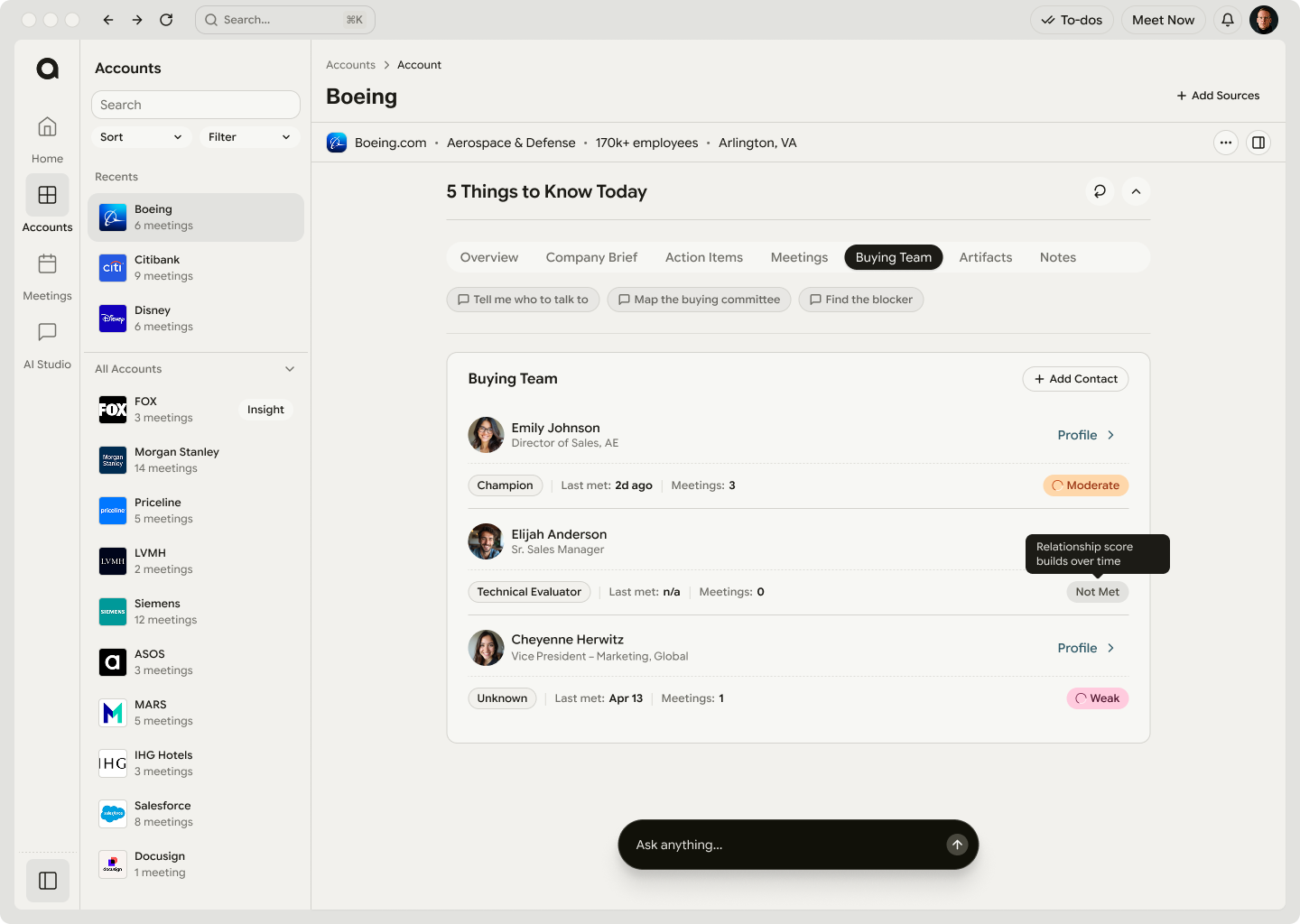
Your daily 5 things, live feed & action items.
Everyone you sell to, in one place.
Before, during & after every call.
Ask, automate & reuse.
Every task, every account, one overlay.
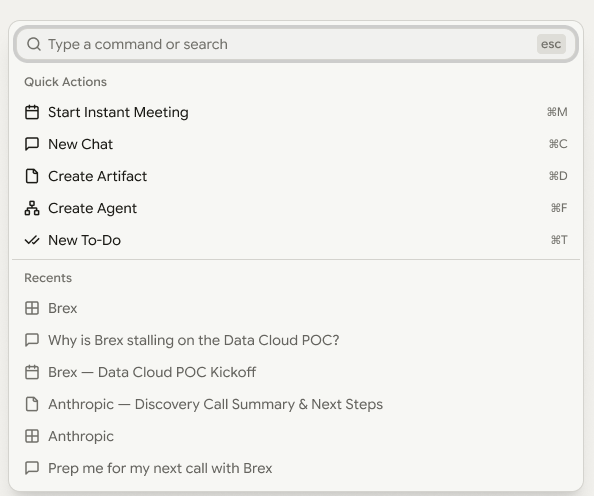
Jump to anything or run a quick action.
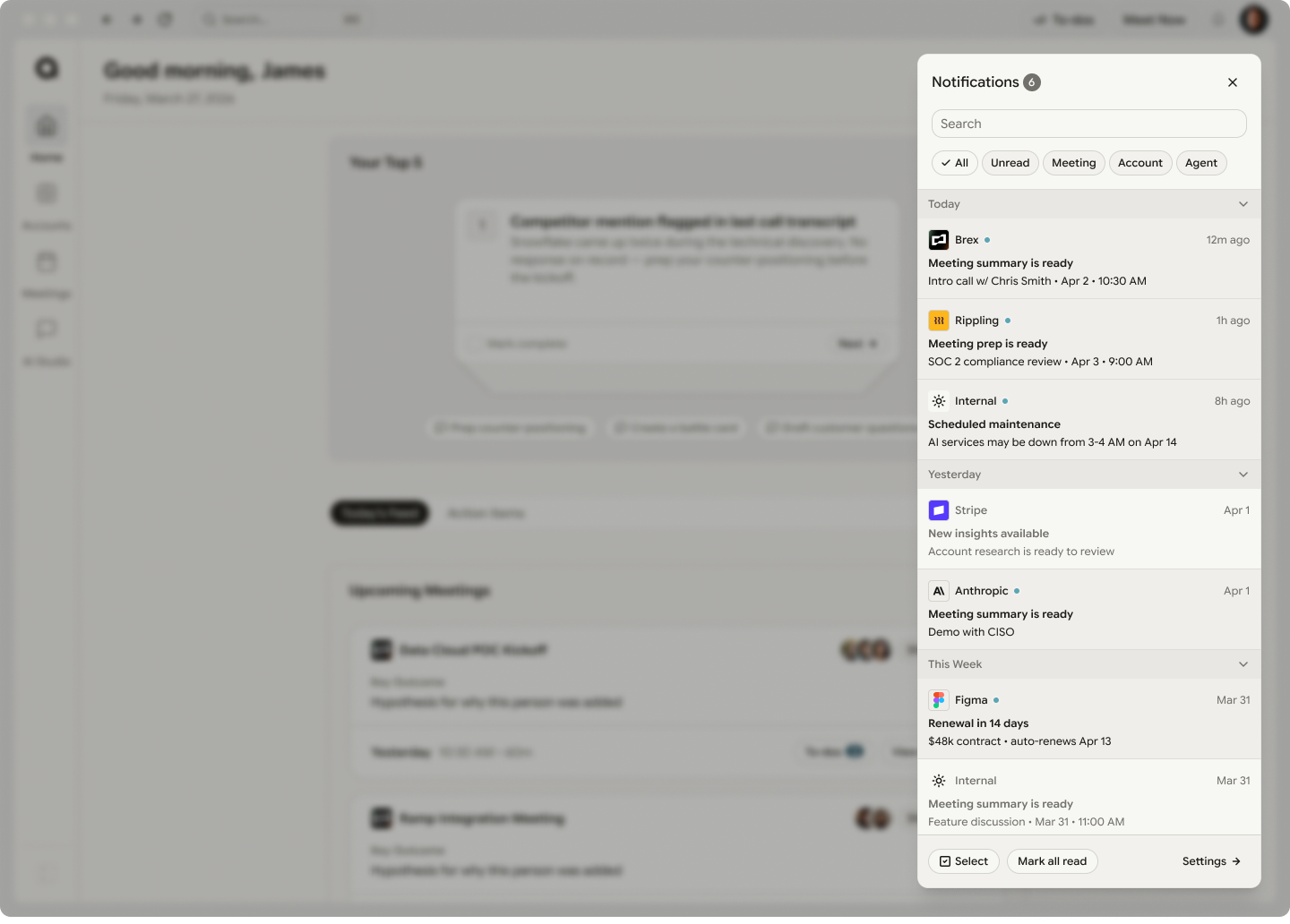
In-app & OS alerts for what changed.
Settings
Everything you configure, in one place.
Under the hood
The engine underneath — how AnyTeam learns and gets sharper with every interaction.
Calls, emails, meetings, CRM updates, Slack messages, docs — recorded and understood as they happen.
Every signal linked to accounts, deals, people, and patterns — turning scattered noise into one connected graph.
Every new interaction makes the whole system smarter — every rep benefits from every past deal, every account, every conversation.
This guide gets you moving. When you're ready to master a specific surface — Agents, sharing, CRM sync, and more — the Help Center has step-by-step articles for all of it.
Browse the Help Center ↗