What is AnyTeam?
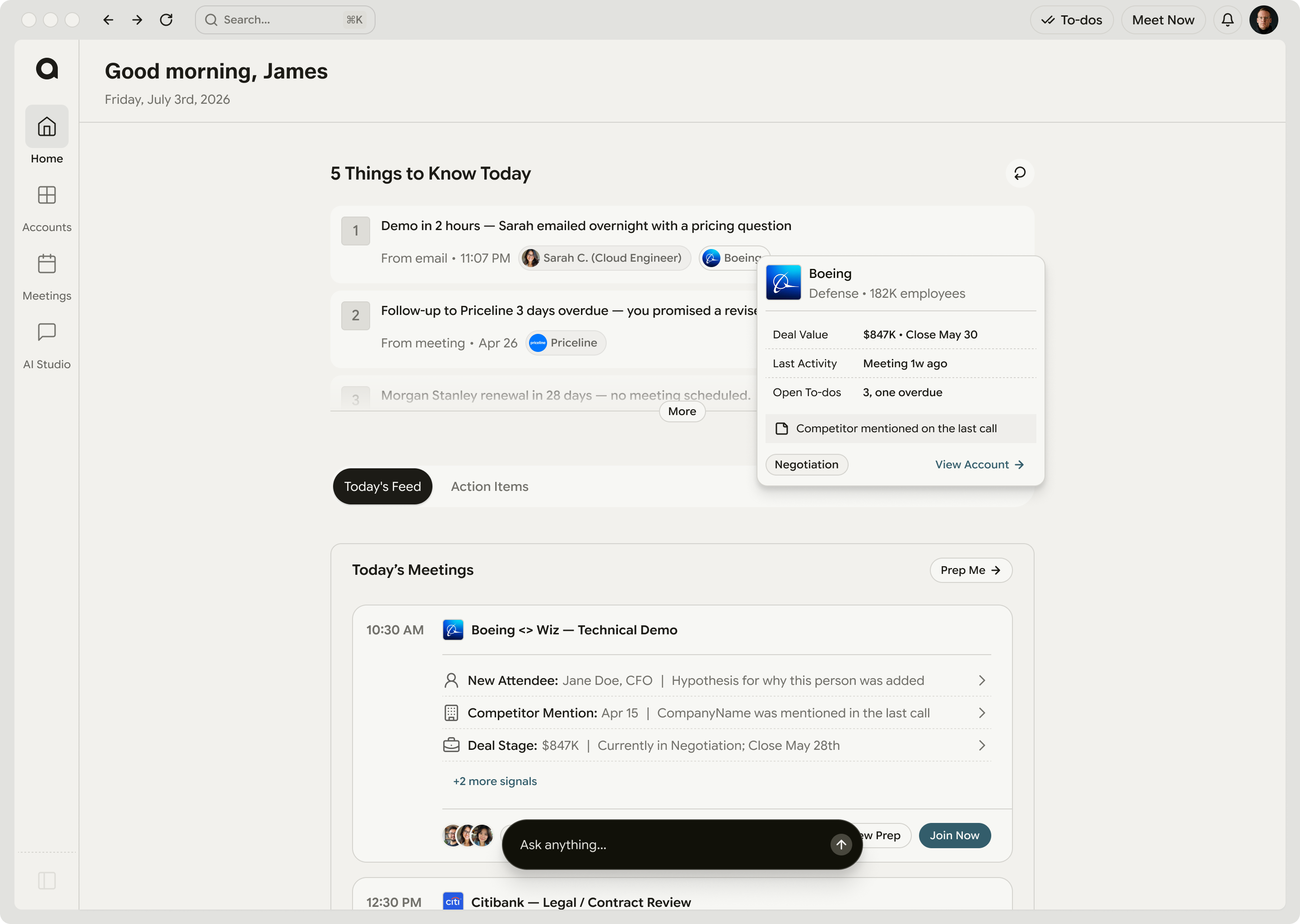
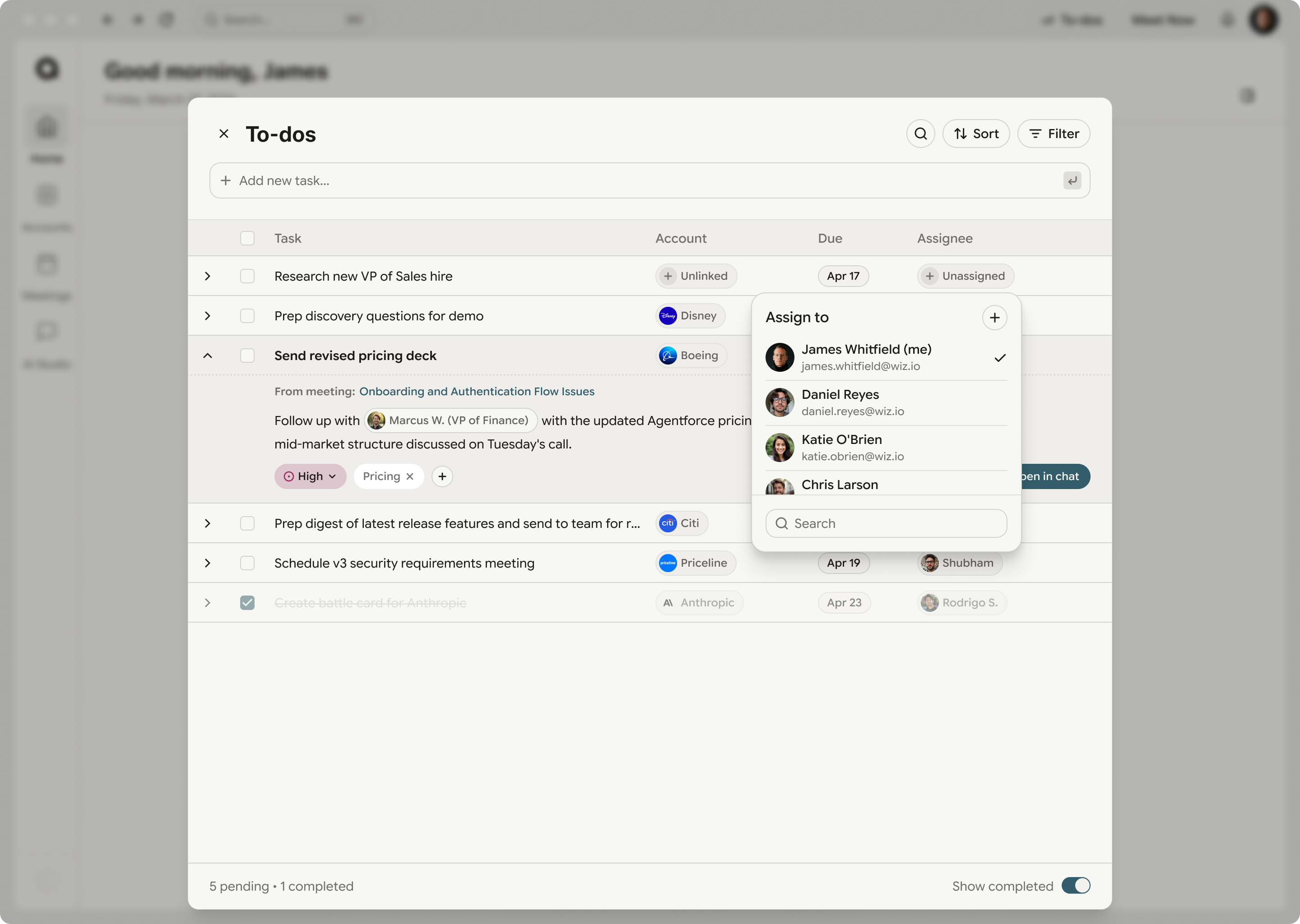
A memory layer for revenue teams. It captures every call, email, meeting and CRM update, connects them to the accounts and people they belong to, and turns that into the next action for the rep running the deal and the manager running the team.
How is this different from a note-taker?
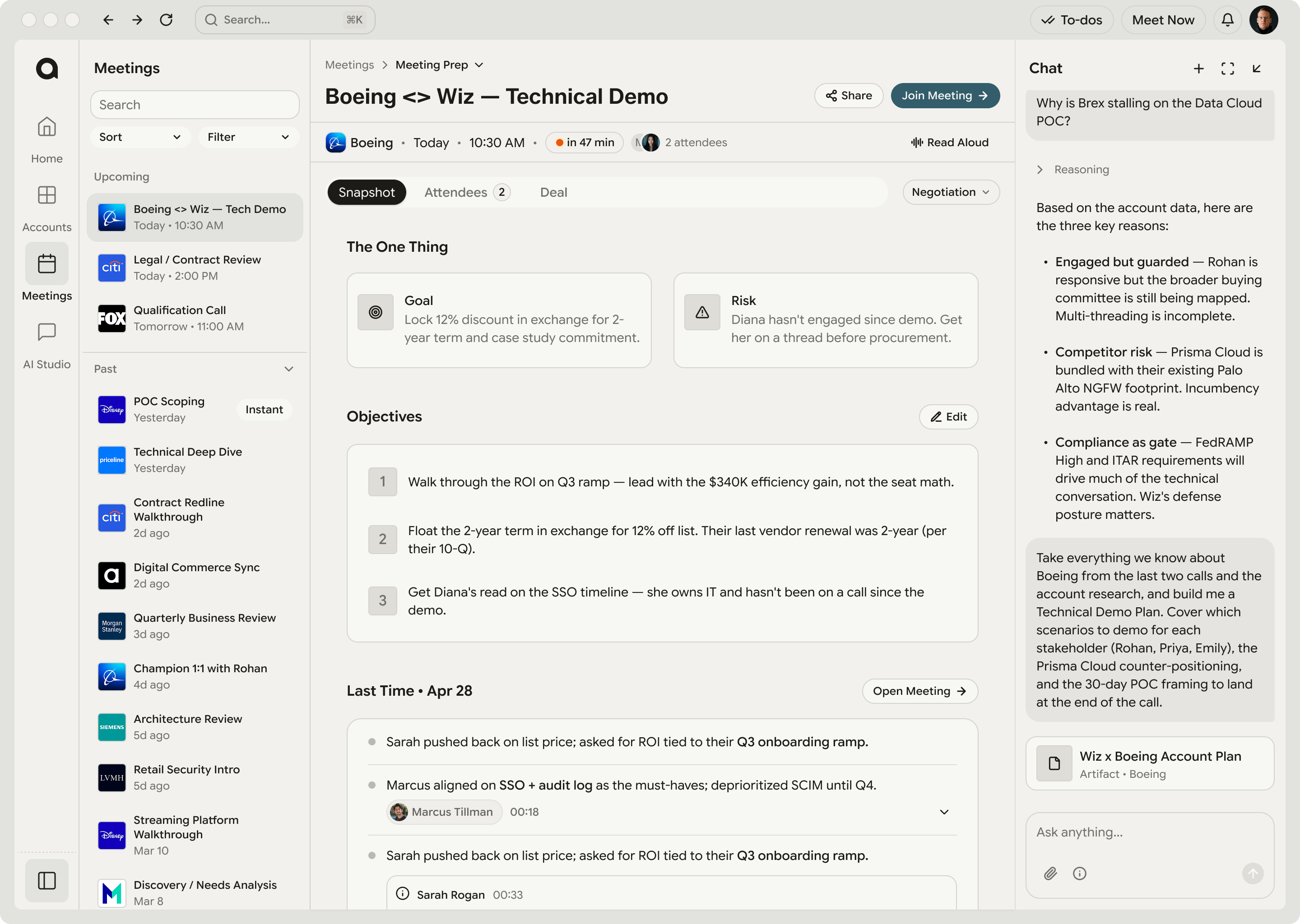
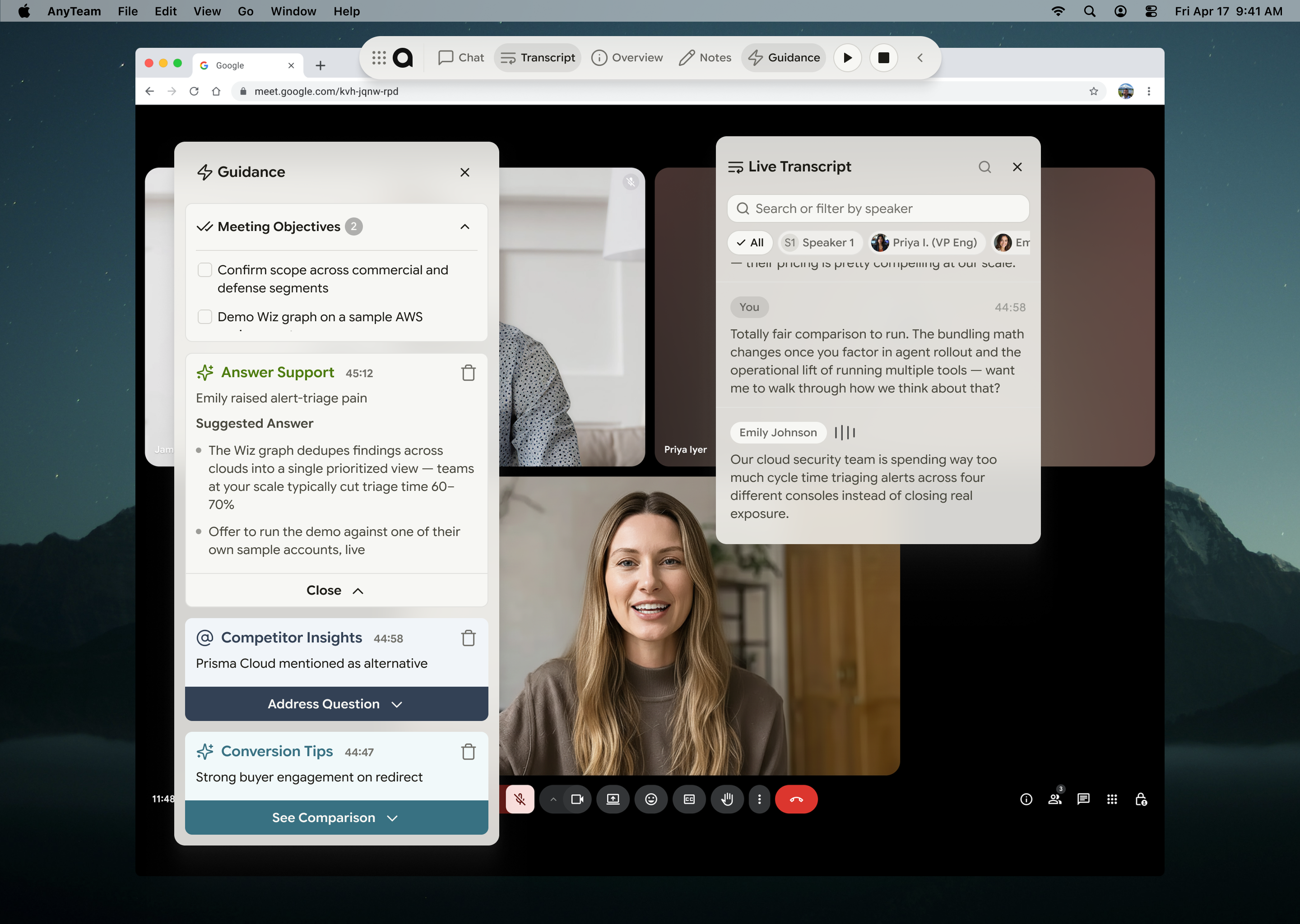
A note-taker gives you a transcript of one meeting. AnyTeam connects what was said to the account, the deal and everything that came before it, so a promise made in March surfaces in the call that happens in September.
Does it replace our CRM?
No. It reads from the CRM you already run, and writes back only once you approve the update. The difference is that the signal comes from the conversations themselves rather than from what someone remembered to type in.
What does AnyTeam’s memory remember, and where does it come from?
The facts AnyTeam has learned about you and your accounts: your writing style, your follow-up cadence, the competition and the deals. It comes from your calls, emails and CRM updates, connected to the accounts, deals and people they belong to. Every fact carries a source and a last-updated date, and you can search, correct or remove any of them in Settings, under Profile.
Who is AnyTeam built for?
B2B revenue teams: the reps running deals, the managers and CROs running the team, and the ops people who keep the systems straight. It works for one seller from the first call. Teams in a shared workspace also get Radar; who sees it is configured during onboarding, usually the managers who have reps assigned to them.
What are AnyTeam agents, and can I build my own?
An agent is a job you describe in plain English. You write the sentence, AnyTeam creates the agent, and it runs against your accounts on the trigger you gave it — on a schedule, or on something happening like a meeting ending. The support centre publishes ten recipes the AnyTeam team runs every week, from a pre-call brief to a renewal and expansion watch. Paste one as it is to get going, then reword it once you have seen what comes back.
What tools does AnyTeam work with?
Calendar and email through Google or Outlook, which turns on meeting detection, meeting prep, meeting history and email context in account research. CRM through Salesforce, HubSpot or Attio. Slack, Teams, Notion, Drive and OneDrive alongside them. You manage all of them in Settings, under Connectors. In tightly managed orgs an admin may need to approve AnyTeam before some tools finish connecting.
How do I get access?
Request access through the form on this site. A single rep downloads the desktop app, connects their calendar, email and CRM, and is running by their next meeting. For a team, we set the workspace up with you and configure the reporting lines and the CRM connection.